Trigger Buttons
Pipeline warnings when starting from a button
When the pipeline has a Warning, starting it through a zSYNC UI button shows the current text as a yellow notification that stays until dismissed. The pipeline starts normally; the notification is not a confirmation prompt.
The warning is read on each click. Editing or clearing it on the pipeline does not require Update Form Action. A configured After Success action is preserved as the next action, and a preflight success message is preserved when there is no configured action.
The same warning appears in the pipeline and instance forms. See Runtime Configuration for where to edit it and how it follows changes to the pipeline.
Through Zsync pipeline User can also create custom function and executed through Odoo UI-Buttons.
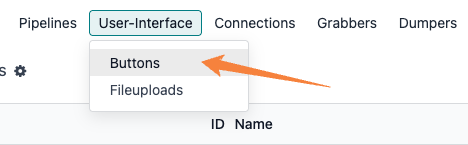
Menu: to create buttons for any odoo models.
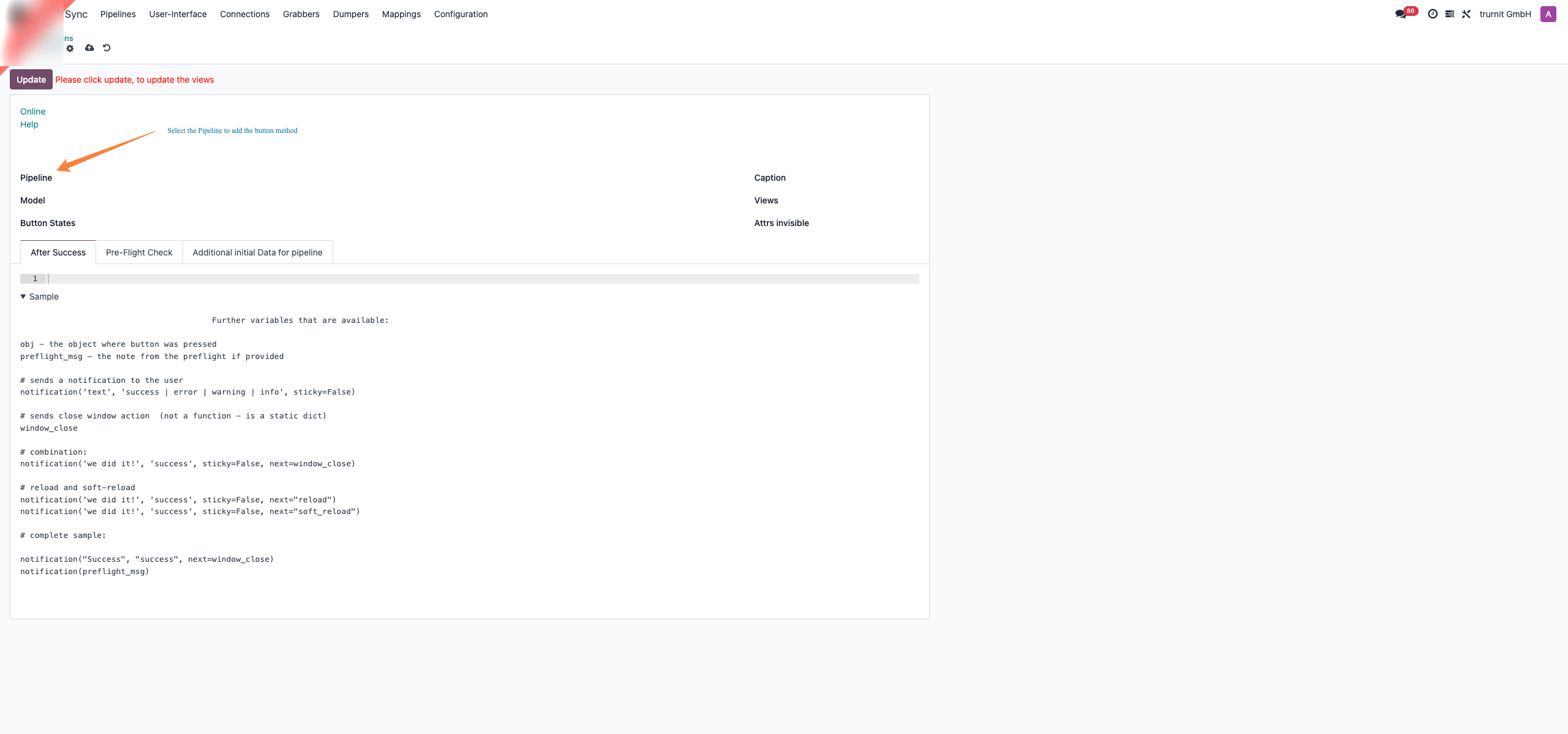
Pipeline: Add button to specific pipeline
Model: Odoo model (product, sale, invoice) select model to add button method to execute custom process.
Button States: If model have state field then button will be visible when record have that specific status ('draft','confirmed')
Caption: Add button name or title
Views: Select on which model view(form,list) so button will be visible
Attrs Visible: User can define condition of model fields, condition to show the button
Pipeline: Add button to specific pipeline
Model: Odoo model (product, sale, invoice) select model to add button method to execute custom process.
Button States: If model have state field then button will be visible when record have that specific status ('draft','confirmed')
Caption: Add button name or title
Views: Select on which model view(form,list) so button will be visible
Attrs Visible: User can define condition of model fields, condition to show the button