Worker Types
What’s a Worker?
Workers are the building blocks that make up Pipelines. They each constitute a single step in the process of syncing data between sources.
Key Characteristics:
-
Task-Oriented: Each worker is designed to execute a well-defined operation, like grabbing files, transforming data, or pushing data to a target system.
-
Modular: Workers can be combined and sequenced within a pipeline to achieve complex data processing tasks.
-
Configurable: Workers are configured through zSYNC’s user interface or API, allowing flexibility and customisation.
-
Automated Execution: Once set up, workers operate automatically as part of scheduled or triggered workflows.
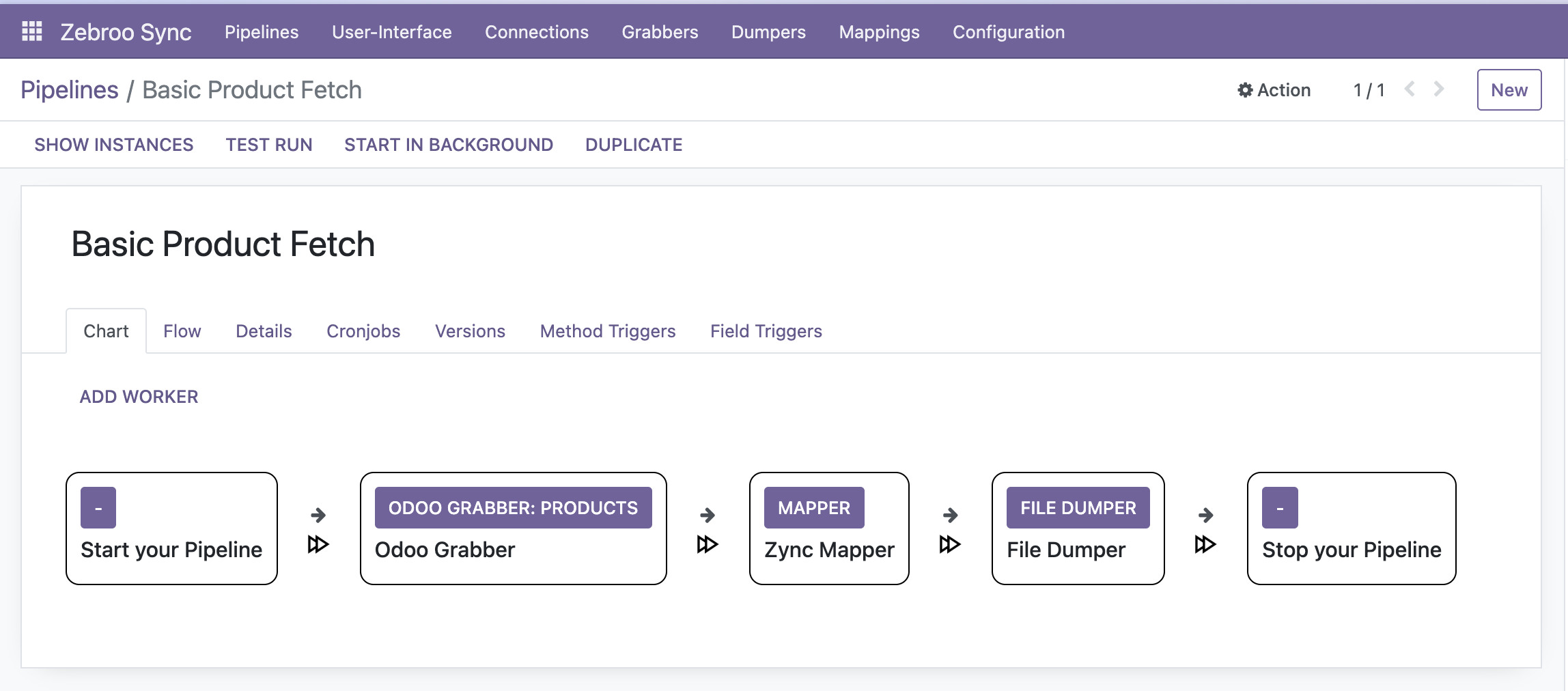
Overview of Common Worker Types
Note: this is a general overview of zSYNC worker types, but we encourage our users to build their own workers according to their needs. This table is intended to give a high level impression, rather than a source of truth for all existing workers.
| Type | Description | Notes |
|---|---|---|
| Start | Added automatically. The entry point for all pipelines. | May usually be left untouched, but when building your own REST-API, it's the worker where authentication and payload must be configured, to start the endpoint. |
| Stop | Added automatically. The final step of all pipelines. | May usually be left untouched, but when building your own REST-API, it's the worker to configure a response for the endpoint. An instance reaching this step without error will be set to the status "Success". |
| Grabber | Fetches data from a defined source, eg. Odoo instances, files, databases, etc., before passing it on to the next worker. | Grabber means reading data and converting it to JSON. A SQL grabber will select from a database, the Odoo grabber will fetch data, an Excel grabber will convert a .xlsx, etc. |
| Dumper | Dumps data to a defined destination, eg. an Odoo instance, file, database, etc. | Dumper means writing data. A SQL dumper will insert into a database, the Odoo dumper will write into Odoo, an Excel dumper will create a .xlsx, etc. |
| Const | Provides constant data, eg. for testing purposes. | |
| Transformer | Allows code execution between other pipeline steps. | Most commonly used when data structures need fixing before a mapper or actions need executing. Eg. confirming orders in Odoo. |
| Mapper | Maps data fields to new attribute names, db columns, etc. | Nearly every data interface will require a Mapper. They're used to configure how fields from the source system are transformed/renamed to match the destination system. Rules can be configured for every field (either config or code) to transform it. It's also where the structure of source and destination are defined. Eg. date formatting differs between systems. Python date libraries can be used to convert formats. |